The recipe app that works the way kitchens do
Save ingredients once, reuse your sauces and doughs across dishes, and cook hands-free with guided steps and timers. And if you sell what you make, price every recipe for profit — all in one place.
One connected system, not flat text
Most recipe apps store recipes as a wall of text. Dishfile links four layers, so a change in one place flows everywhere it's used.
Reuse instead of retype
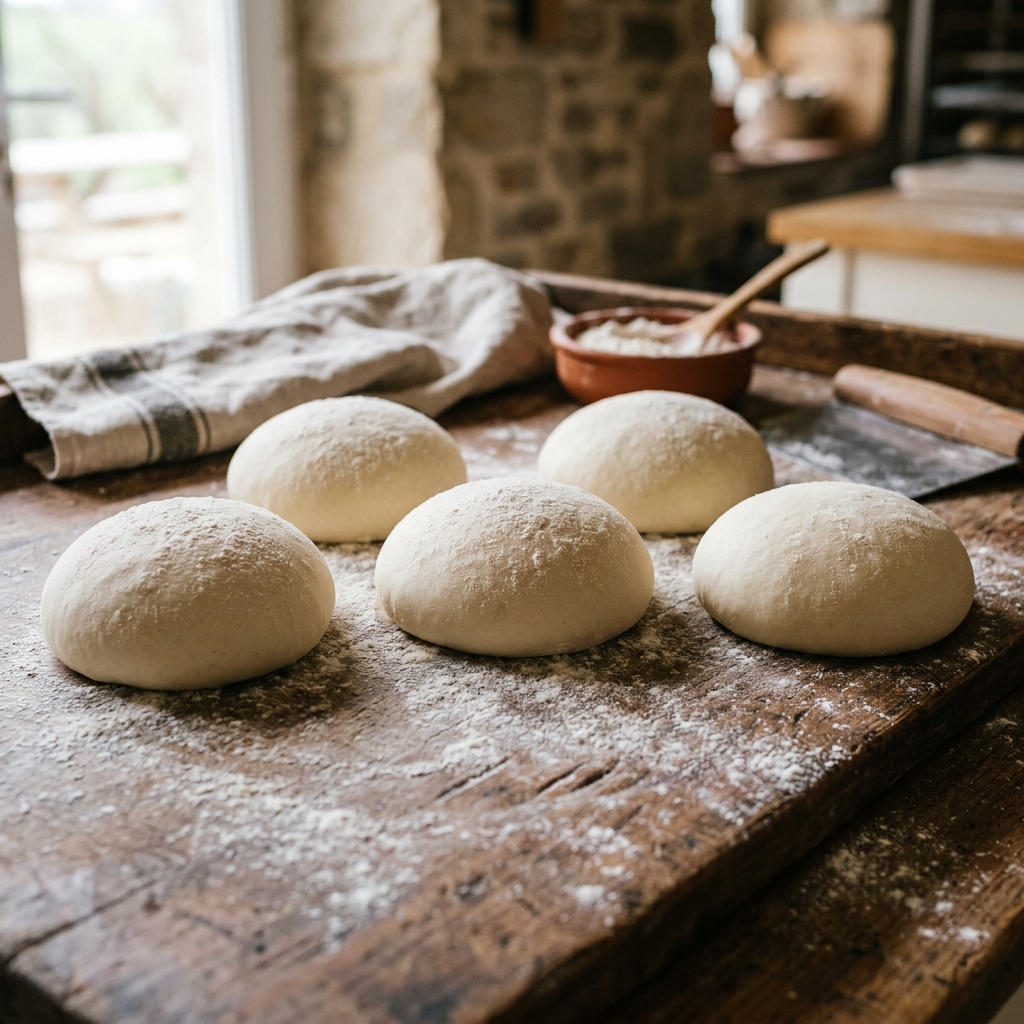
Your pizza dough, curry sauce, or buttercream lives as one component. Use it in ten recipes; improve it once and all ten update.
Scale without the math
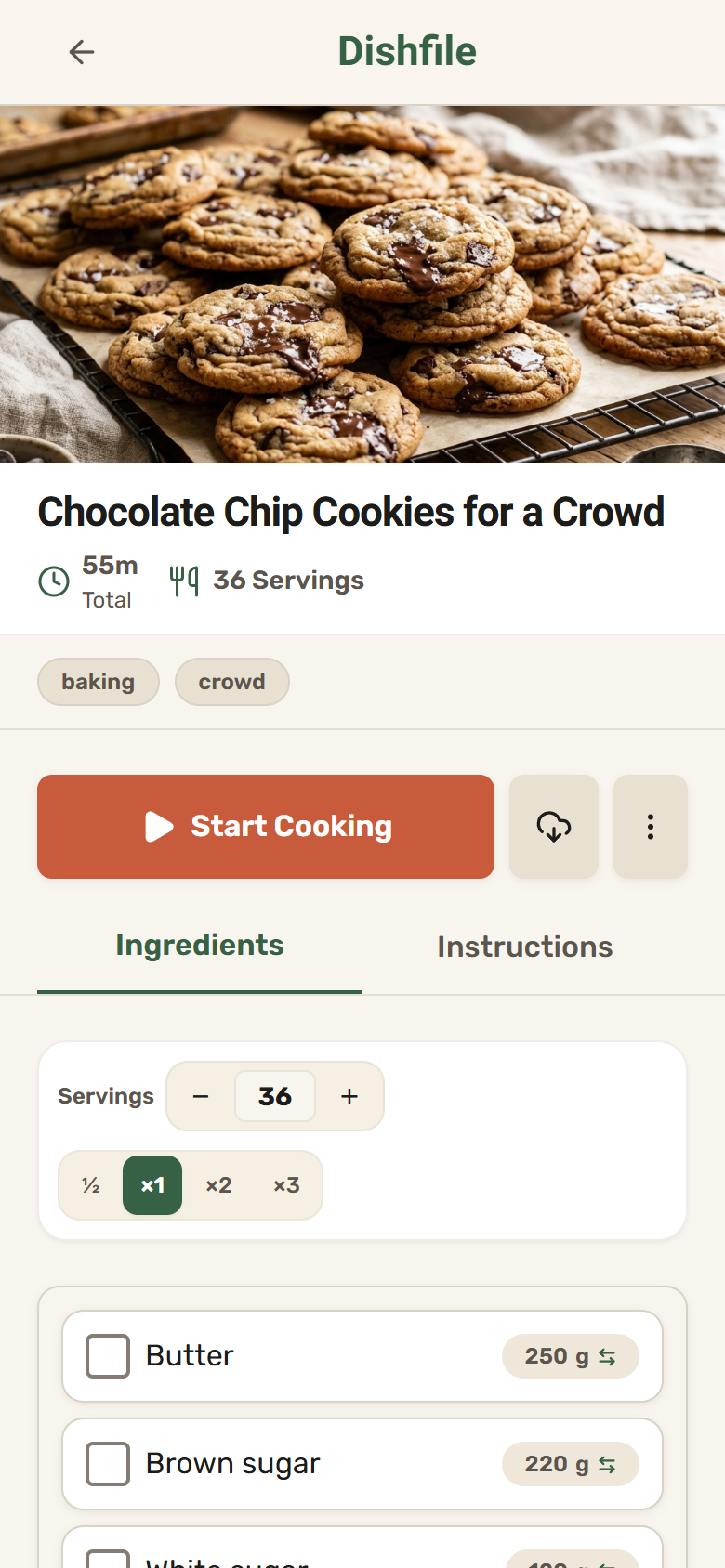
Change the batch size and quantities recalculate cleanly — ratios and components stay in proportion.
Then just cook
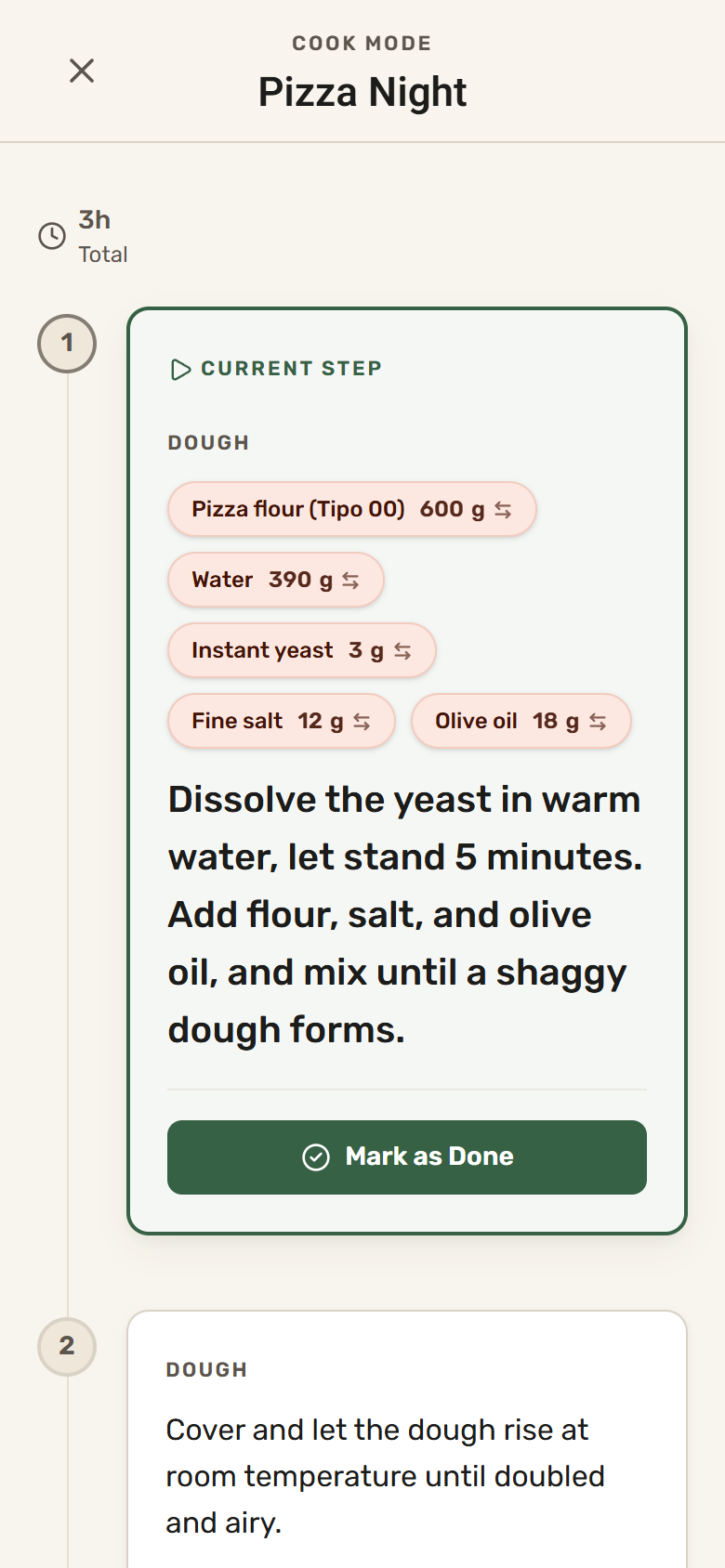
Enter cook mode for guided steps, tap-to-start timers, and a screen that won't sleep mid-recipe.
Built for when your hands are covered in flour
No screen lock mid-step, no messy screen swipes, no forgotten oven timers. Cook Mode gives you clinical clarity at the counter.
Whether you cook for four or four hundred
Your whole recipe life, in order
- Import from any website, a photo, or a PDF — read by AI
- Keep sauces and doughs as reusable building blocks
- See vegan, gluten-free, or kosher status on every recipe
- Cook hands-free with guided steps and timers
- Share favorites with a live link, or into the installed app
Know the cost of every dish
- True batch and unit cost, rolled up from ingredients
- Add labor, packaging, and overhead per batch
- See gross margin and a suggested price to hit your target
- Track kosher, allergen, and dietary flags across your menu
- Collaborate with your team in shared notebooks
Powerful where it counts, simple everywhere else
Reusable components
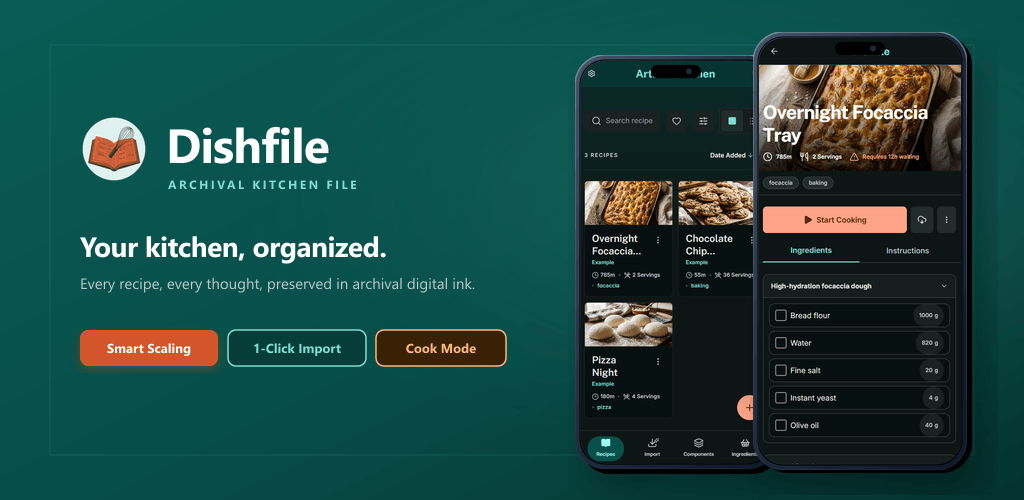
Build a sauce, dough, or spice blend once, then drop it into any recipe. Fix it in one place and every dish stays right.
AI import agent
Hand Dishfile a website link, a photo, or a PDF and its AI agent reads the recipe and fills it in — structured and ready to cook. Or share a recipe straight into the installed app.
Guided cook mode
Turn any recipe into hands-free, step-by-step cooking with built-in timers and a screen that stays awake.
Dietary & kosher flags
Flag ingredients as vegan, gluten-free, kosher, or halal, and the flags flow up so every recipe shows its effective dietary status automatically.
Recipe costing
Ingredient costs roll up through components into every recipe, with labor, packaging, and overhead for true batch cost.
Sharing & teams
Share a recipe with a live public link, or work together in shared notebooks with roles for your family, friends or crew.
Free while we're in early access
Everyone starts on the Free plan. During early access the larger plans are open at no cost — but they're switched on by request, not self-serve. Start free, then reach out any time to upgrade.
Guest
Try it, no account
- Up to 3 recipes
- 10 ingredients
- 1 AI import to try
- Cook mode & timers
- Keep everything when you upgrade
Free
For everyday home cooks
- 10 recipes · 50 ingredients
- 1 reusable component
- 3 AI credits / month — imports and translations
- Public share links
- 1 photo per recipe
Pro
For serious cooks & small kitchens
- 250 recipes · 2,500 ingredients
- 20 reusable components
- 15 AI credits / month — imports and translations
- Concurrent cooking sessions
- 5 photos per recipe
Premium
For growing food businesses
- 1,000 recipes · 10,000 ingredients
- 2,000 reusable components
- 50 AI credits / month — imports and translations
- Concurrent cooking sessions
- 10 photos per recipe
Everyone starts on Free. To move to Pro or Premium during early access, just get in touch and we'll switch it on for you.
Limits shown are per notebook. Business costing and pricing tools are available on every plan.
Try a real recipe — no account needed
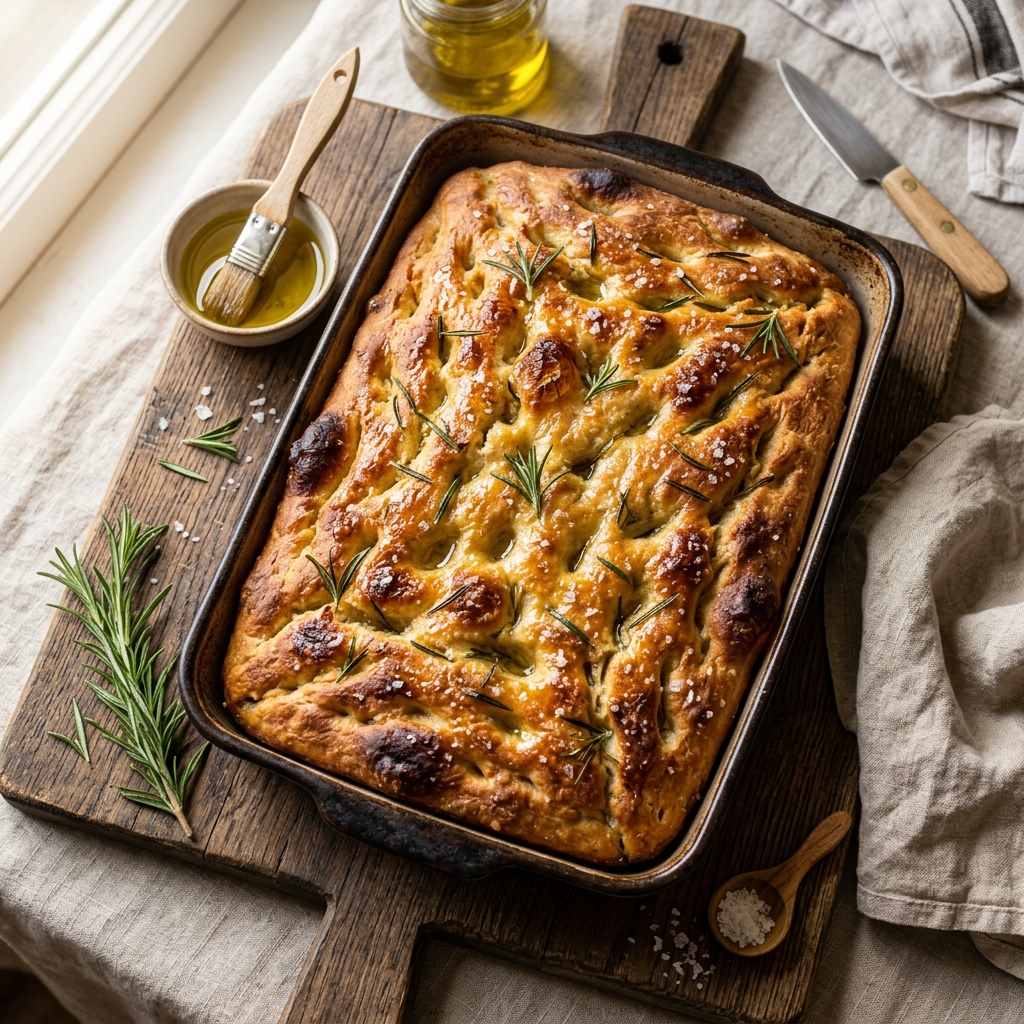
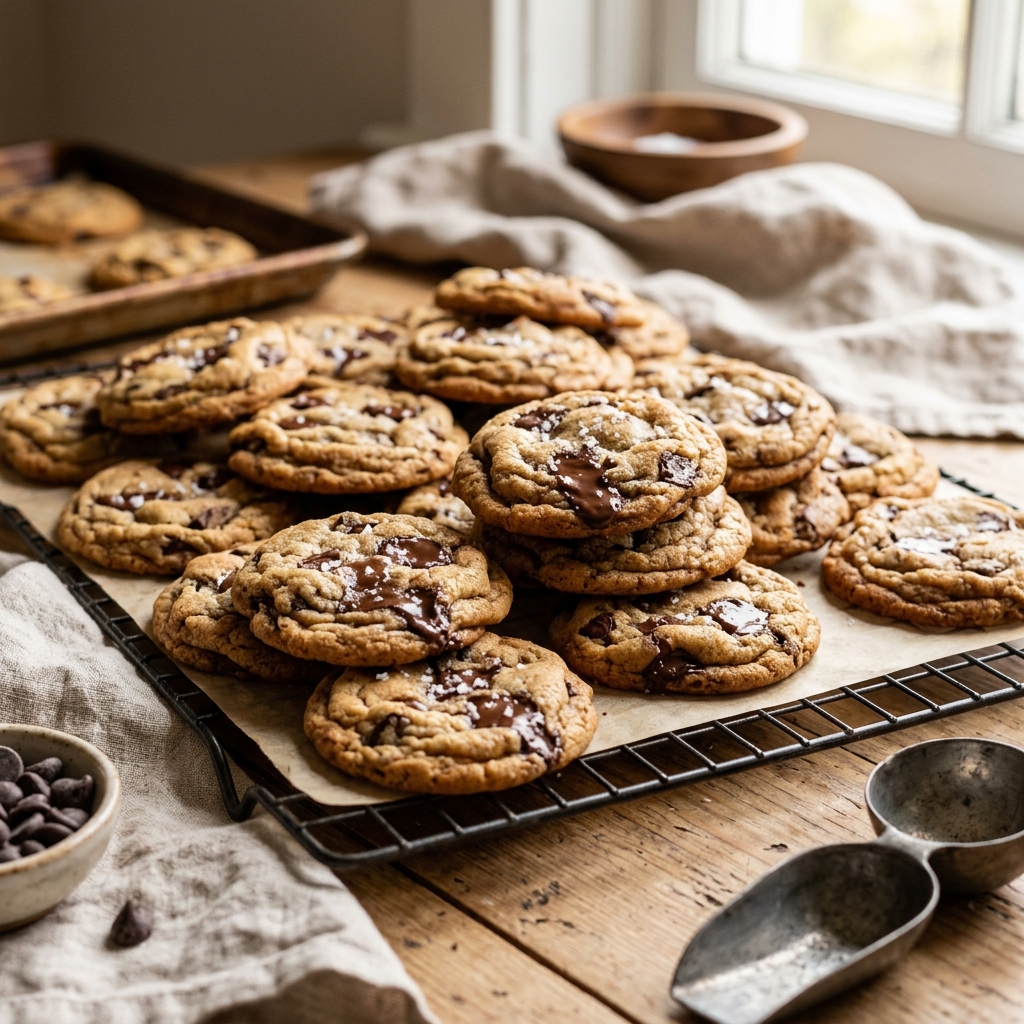
These live examples use components and interactive controls. Open one and change the batch to watch quantities recompute.
Questions, answered
What exactly is Dishfile?
A recipe manager for home cooks and food businesses. It keeps your ingredients, reusable components (sub-recipes like sauces and doughs), complete recipes, and guided cooking connected in one real-time workspace.
What is a "component"?
A reusable sub-recipe — a sauce, dough, filling, or spice blend — that you store once and reference from many recipes. Update it in one place and every recipe using it stays consistent.
Do I need to be a professional to use it?
No. Home cooks use Dishfile to organize, import, scale, and cook. The costing and pricing tools are there when you need them — for instance if you start selling what you bake.
What can I import, and from where?
Recipe websites, photos of cards, and PDF or DOCX files. Dishfile reads them and fills in structured recipe details for you to review.
Where does it run, and is it offline?
It runs in any modern browser and installs like an app (PWA). Previously synced data stays available offline, and it works in English and Hebrew.
Who owns my data?
You do. Full account export and deletion are built in, and recipes are private unless you choose to share them.
Bring order to your kitchen today
Free during early access. Start with a recipe or an example — no credit card, no setup.