Know what every dish costs — and what to charge.
Ingredient costs roll through your doughs, sauces and fillings into every recipe — change a price once and every dish's cost and margin updates.
Add labor, packaging and overhead per batch, set your target margin, and get a suggested price. Built for home bakers who sell, caterers, cafés and small bakeries.
Costing is included on every plan — even Free. No credit card.
- Price your ingredientsEnter what you pay: per kilo, per pack, per can or per bunch. Packaged goods like "2 × 400 g cans" are priced correctly.
- Build from componentsYour dough, sauce or filling is costed once, then flows into every recipe that uses it.
- Price the dishAdd labor minutes, packaging and overhead. See batch cost, unit cost, margin and a suggested price.
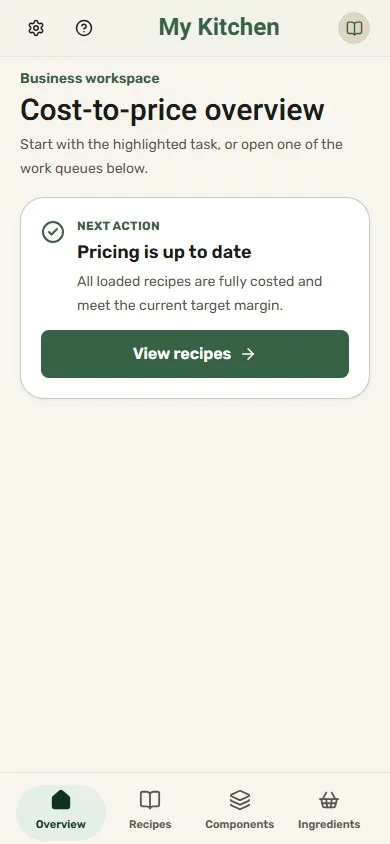
One price goes up. Every margin knows.
Mozzarella costs more this week. Change its price once, and Dishfile recalculates every recipe that uses it. The Business overview then points you to the recipe that slipped below your target margin, with the price that would bring it back.
- Costs update everywhere an ingredient is used
- Recipes below your target margin are flagged
- A suggested price for every recipe
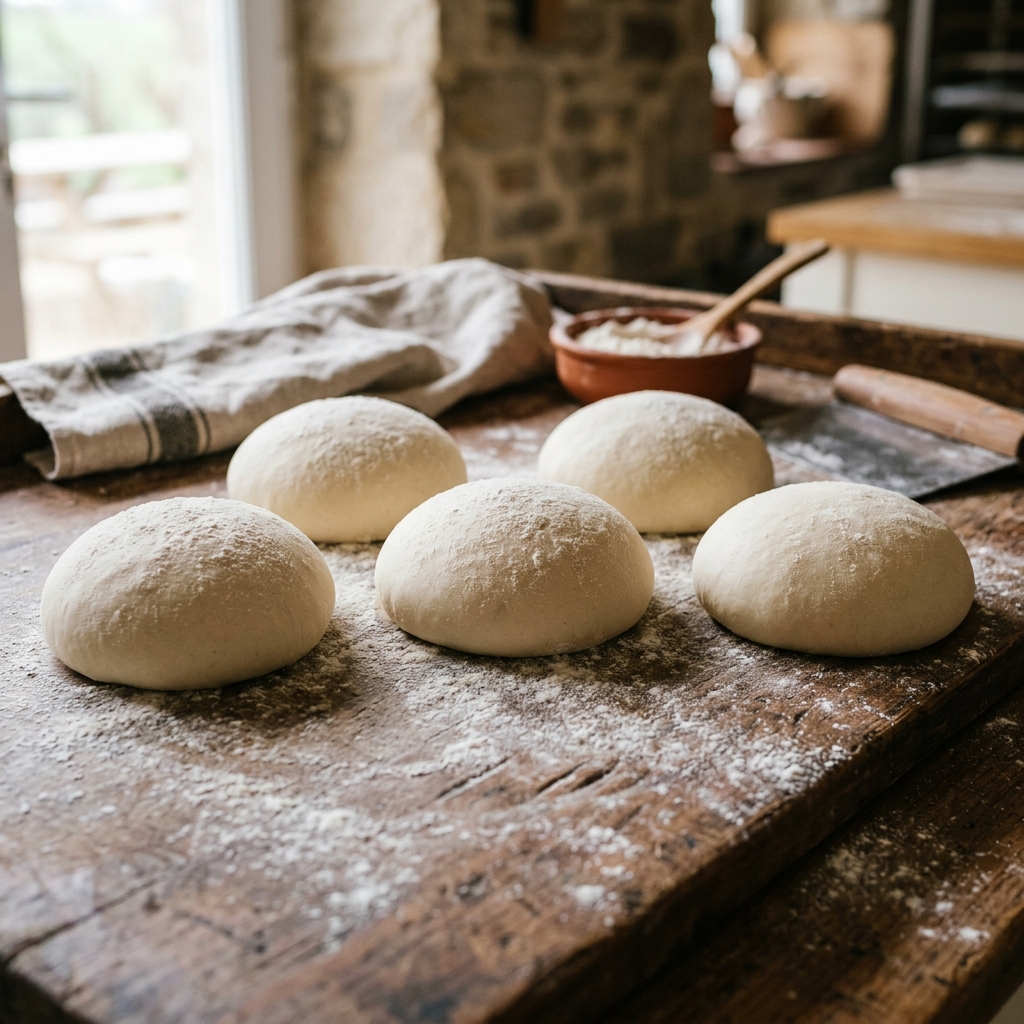
Make your dough once. Use it — and cost it — everywhere.
Save a dough, sauce, filling or spice blend once as a component, then use it in every recipe that needs it. It keeps the menu consistent and the costing trustworthy.
- One dough, sauce or filling, used across the whole menu
- Improve a component once and every dish that uses it follows
- Its cost flows into every recipe automatically — change a flour price and every pizza updates
- Scale a recipe and its components scale with it
Everything between the recipe and the price tag
What to fix next
The business overview lists recipes missing a cost, ingredients that need linking, incomplete pricing and dishes below your target margin.
Margin and suggested price
Set an hourly labor cost and a target margin once. Every recipe shows its real margin and the price that hits your target.
Consistent recipes
Reusable components keep every batch of dough or sauce identical across the menu, and costed the same way.
Your team, your roles
Invite your crew to a shared notebook as viewers or editors. You stay the owner.
Kosher & allergens across the menu
Flags on ingredients carry up into every recipe, so you can answer customers with confidence.
Any currency
Choose your notebook's currency; every cost and price is shown in it.
Cook mode for staff
Step-by-step instructions with timers, and recipes you can print or save as PDF for the line.
Scale for orders
Scale a recipe to the batch you need; quantities and costs follow.
Not included (yet)
Dishfile is a recipe, costing and pricing tool. It does not do inventory, supplier invoices or point of sale — it works alongside the tools you already use.
Start free, grow when you need to
Guest
Try it, no account
- Up to 3 recipes
- 10 ingredients
- 1 AI credit to try — import or translate
- Cook mode & timers
- Keep everything when you upgrade
Free
Everything you need to start
- 10 recipes · 50 ingredients
- 1 reusable component
- 3 AI credits / month — imports and translations
- Public share links
- 1 photo per recipe
Pro
For serious cooks & small kitchens
- 250 recipes · 2,500 ingredients
- 20 reusable components
- 15 AI credits / month — imports and translations
- Concurrent cooking sessions
- 5 photos per recipe
Premium
For growing food businesses
- 1,000 recipes · 10,000 ingredients
- 2,000 reusable components
- 50 AI credits / month — imports and translations
- Concurrent cooking sessions
- 10 photos per recipe
Everyone starts on Free. To move to Pro or Premium during early access, ask and we'll switch it on for you at no cost.
Limits shown are per notebook. Business costing and pricing tools are available on every plan.
Questions from food businesses
Is costing really free?
Yes. Costing and pricing work on every plan, including Free. Larger plans add room for more recipes, ingredients and components, and are open at no cost during early access, on request.
How do I set my prices?
Set an hourly labor cost and a target gross margin for the notebook. For each recipe, add labor minutes, packaging and overhead; Dishfile shows the batch cost, unit cost, margin and a suggested price.
Can my team use it?
Yes. Invite members to a shared notebook as viewers or editors. Only the owner can change the notebook's settings.
I already use Dishfile at home. Can I switch?
Yes. The notebook owner can switch a notebook to Business in Account at any time; nothing else about your recipes changes.
Does it handle inventory or invoices?
No. Dishfile focuses on recipes, costing and pricing. It does not track stock, read invoices or connect to a point of sale.
Price your next batch with confidence
Free to start. Your first business notebook is ready in seconds.